Import your MT5 report
Export the HTML report from MetaTrader 5 and drop it in. The Journal reads it in your browser, finds the server time zone, keeps each account separate and skips trades it already has.
A trading journal for MetaTrader 5
Import your MT5 report and read your own trading: what you made, where it came from, and which habits cost you. Calendar, reports, goals, playbooks and daily rules, in one place.
Free with an Arxon Edge account. Journal Plus comes with Premium or The Tide support, Journal Pro with The Ritual.
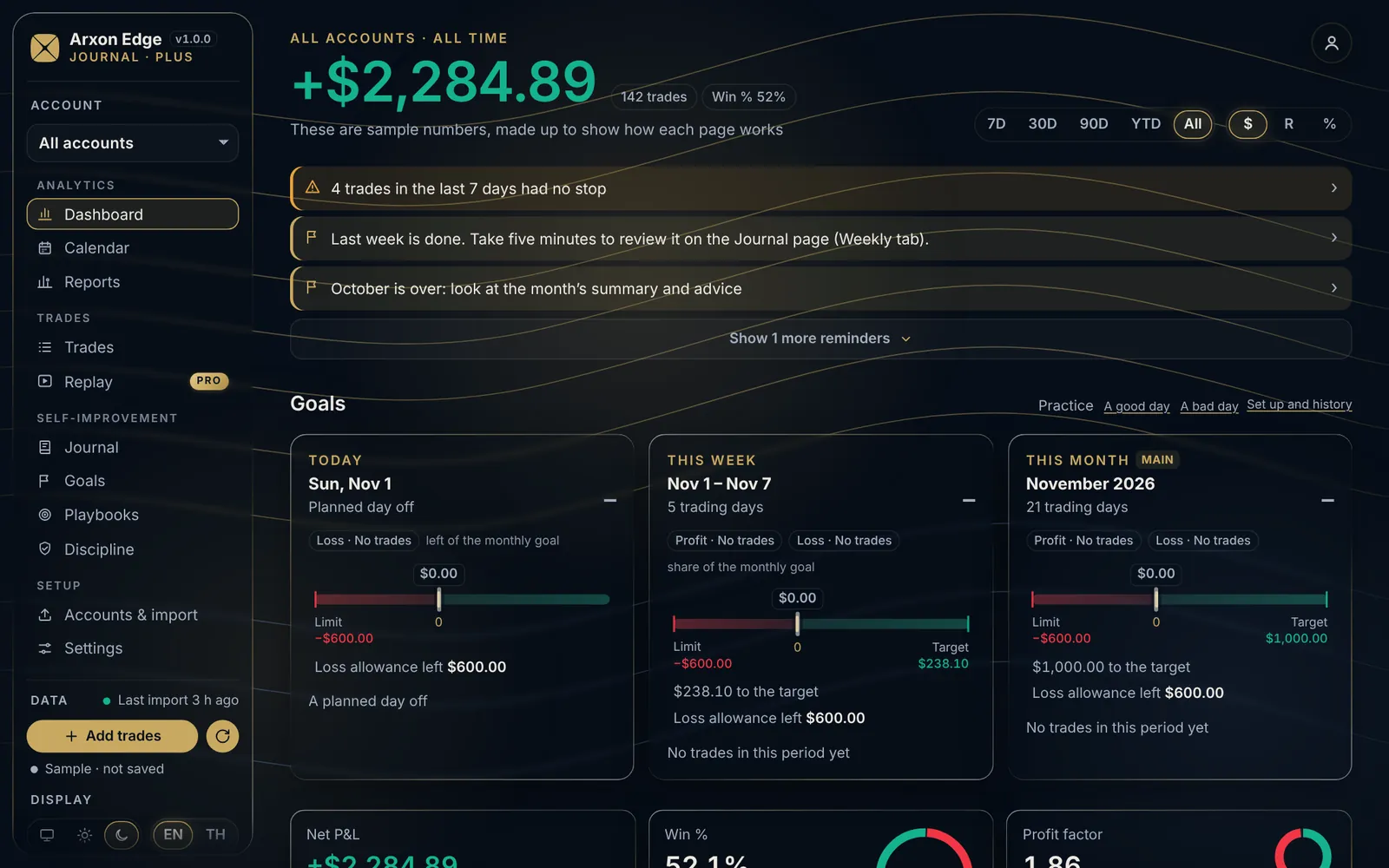
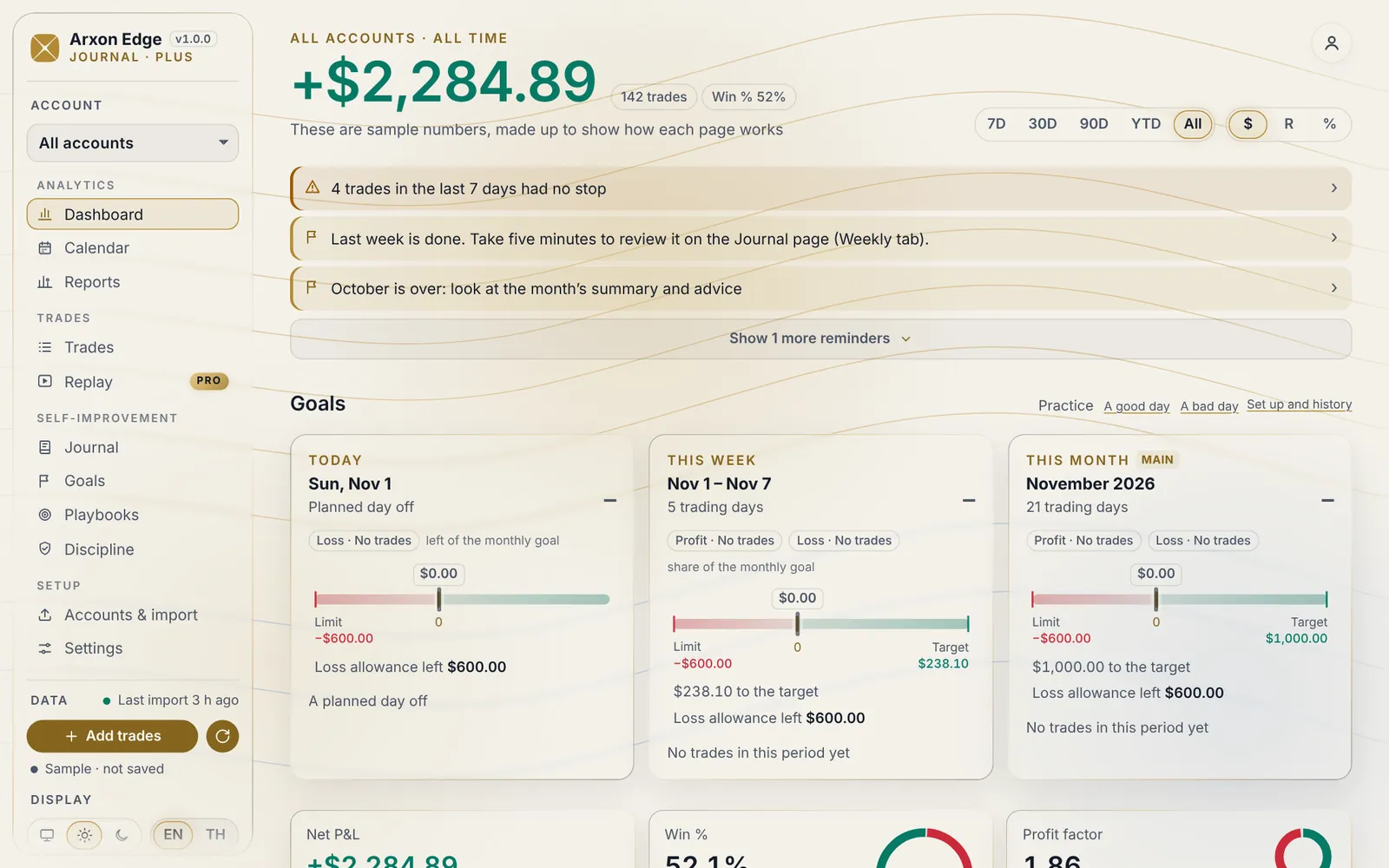
Everything below works in the free plan.
Export the HTML report from MetaTrader 5 and drop it in. The Journal reads it in your browser, finds the server time zone, keeps each account separate and skips trades it already has.
Net P&L after commission and swap, win rate, profit factor, average win and loss, expectancy, in money, R or percent, for 7 days to all time.
Every day’s result and number of trades on one month, with weekly totals. Open a day to see its trades and its notes.
Results by symbol, hour, weekday, session, side, hold time, playbook and tag, so you can see where you make money and where you give it back.
Tag mistakes, setups and emotions on each trade, write a quick note, and keep a plan and recap for every day.
Daily, weekly and monthly targets with a loss limit, checklists for your setups, and daily rules the Journal checks for you.
Screens from the sample journal, made-up trades.
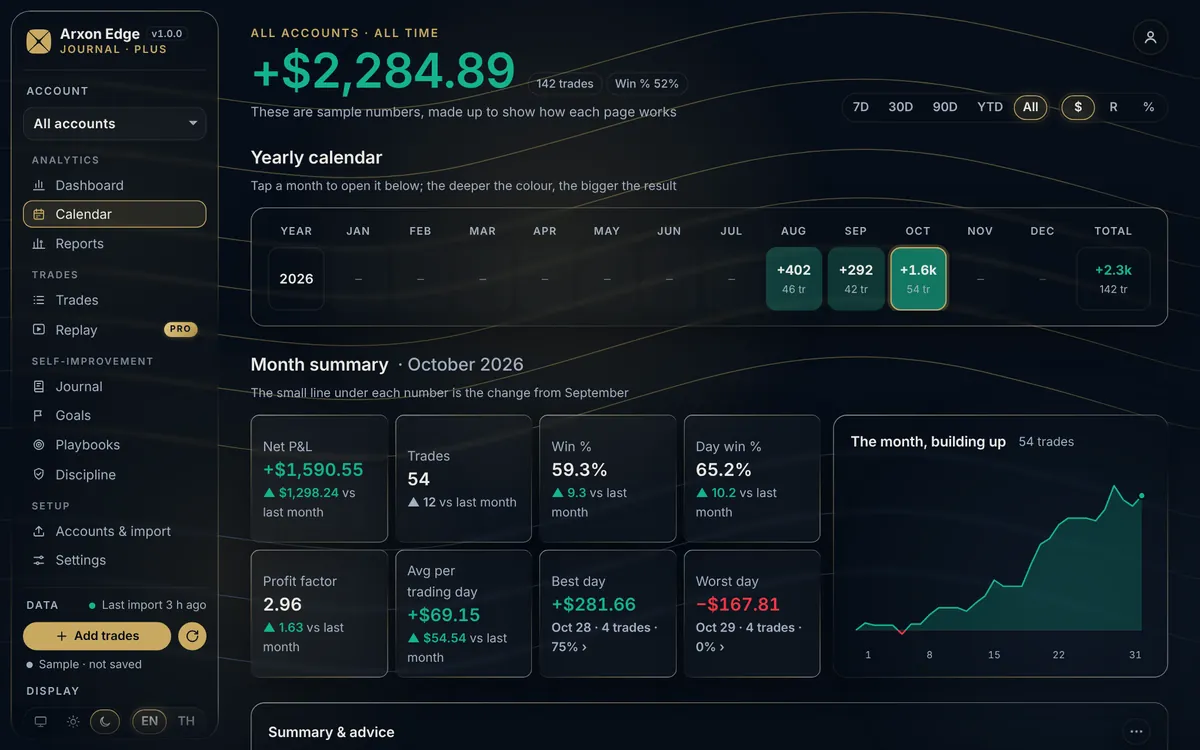
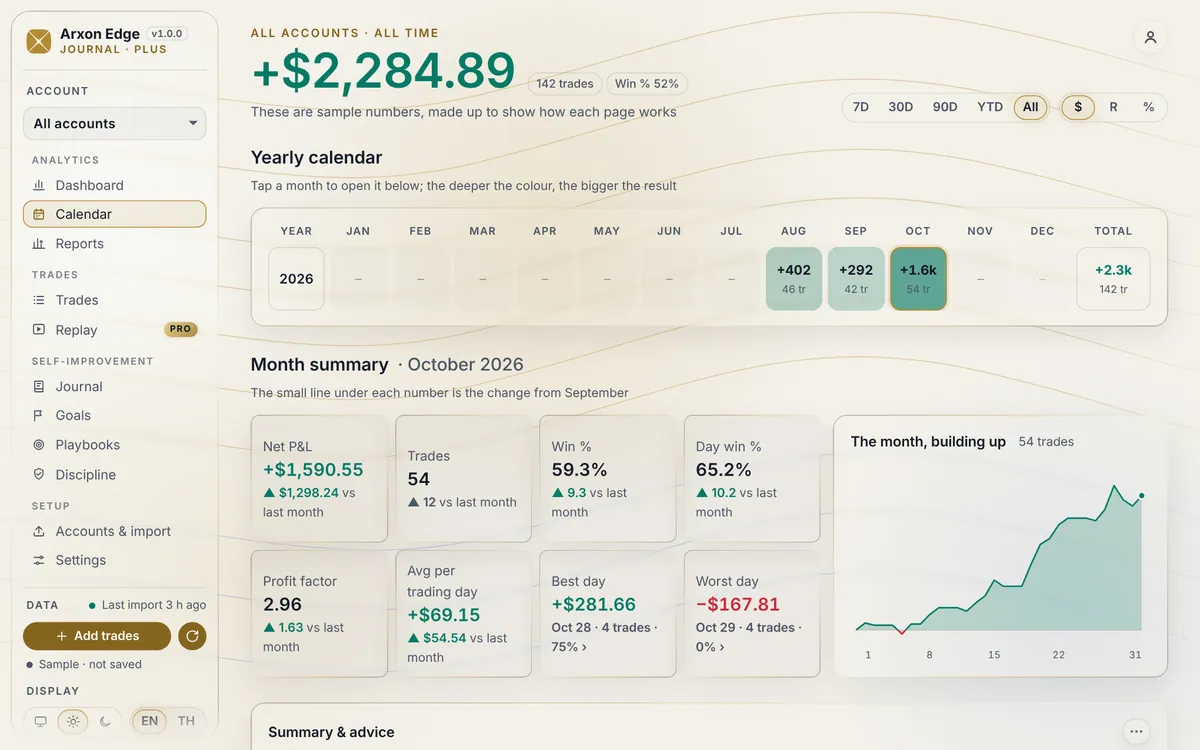
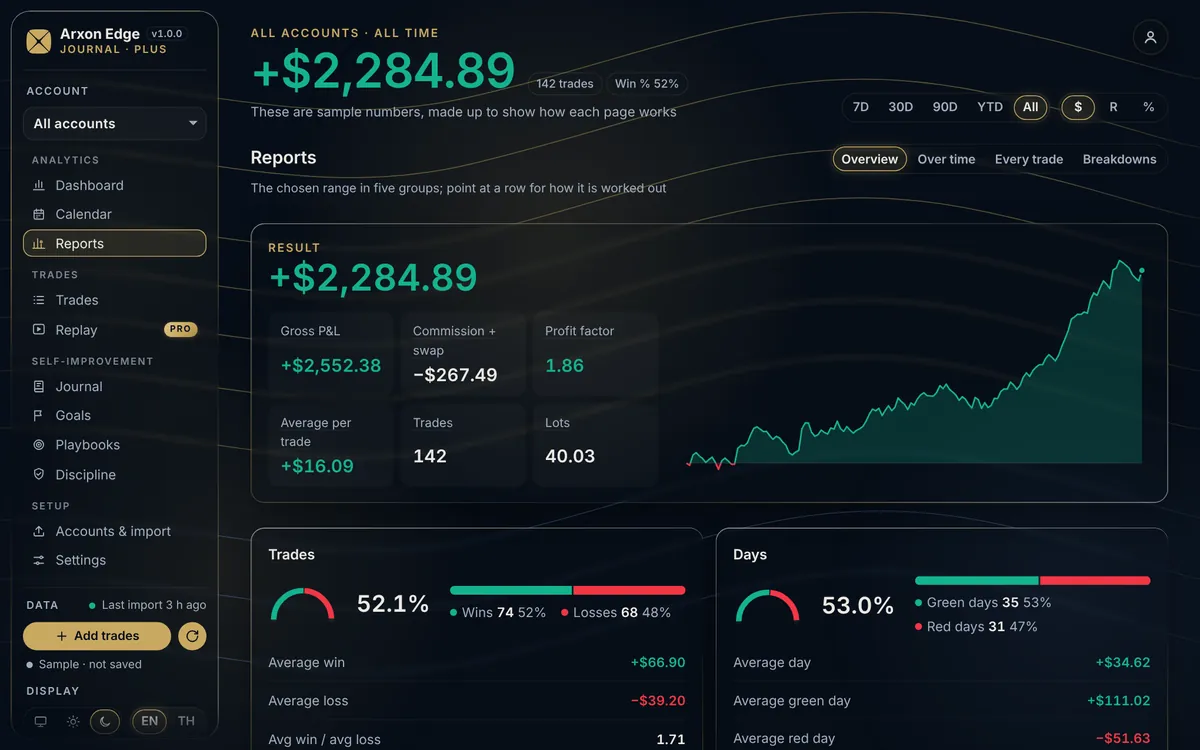
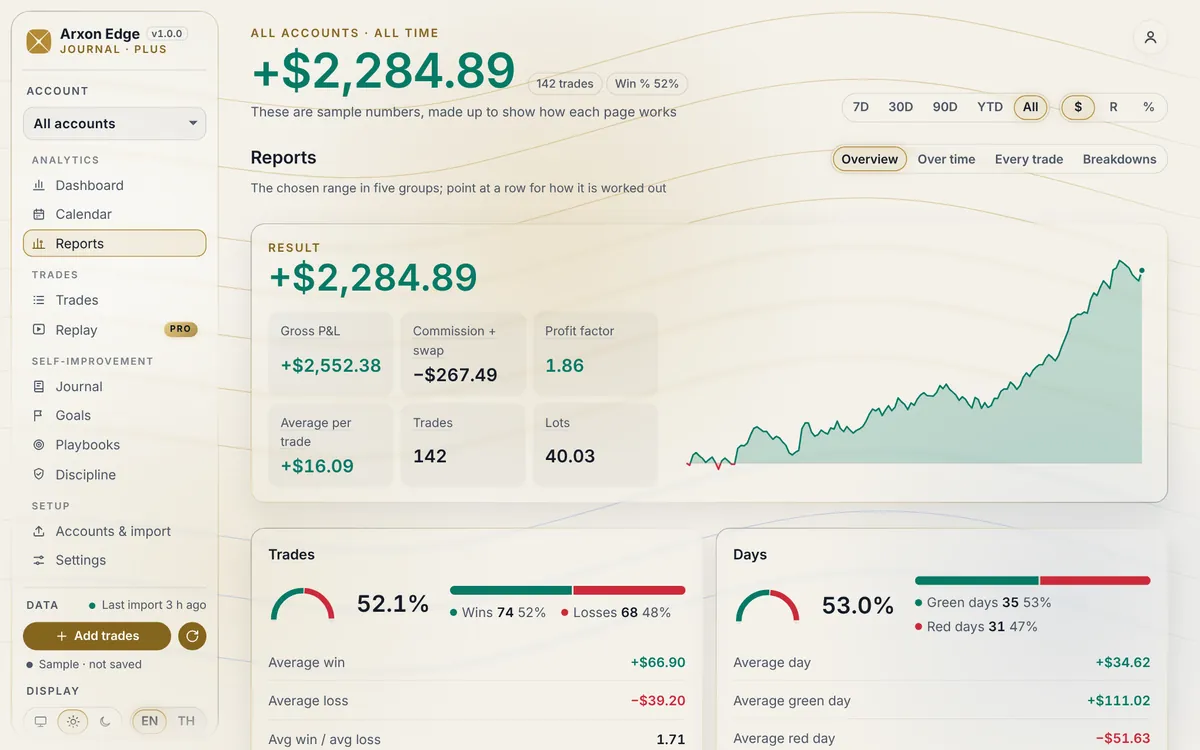
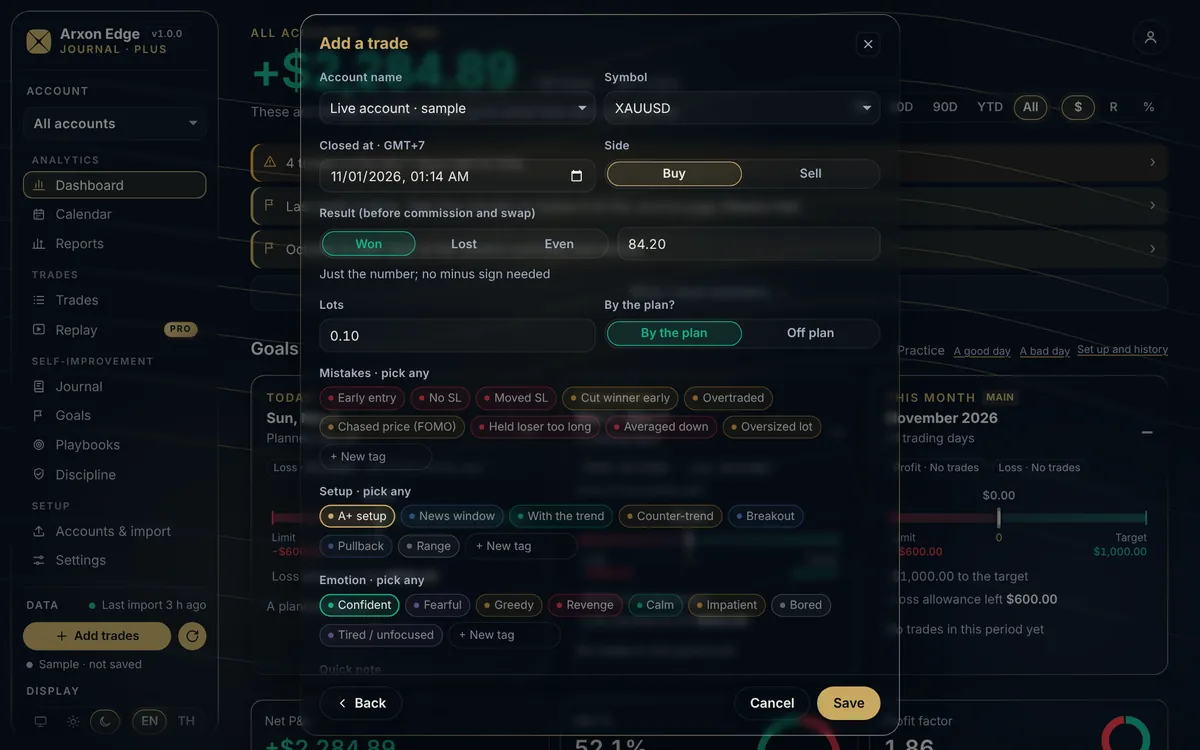
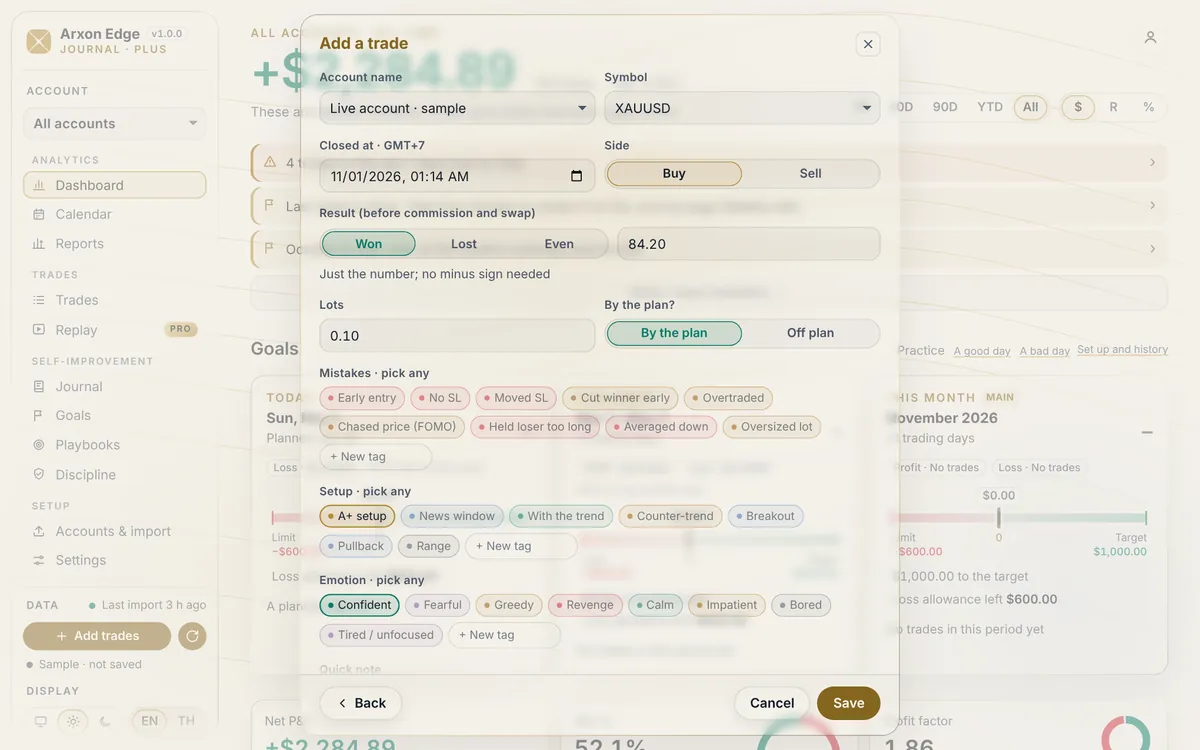
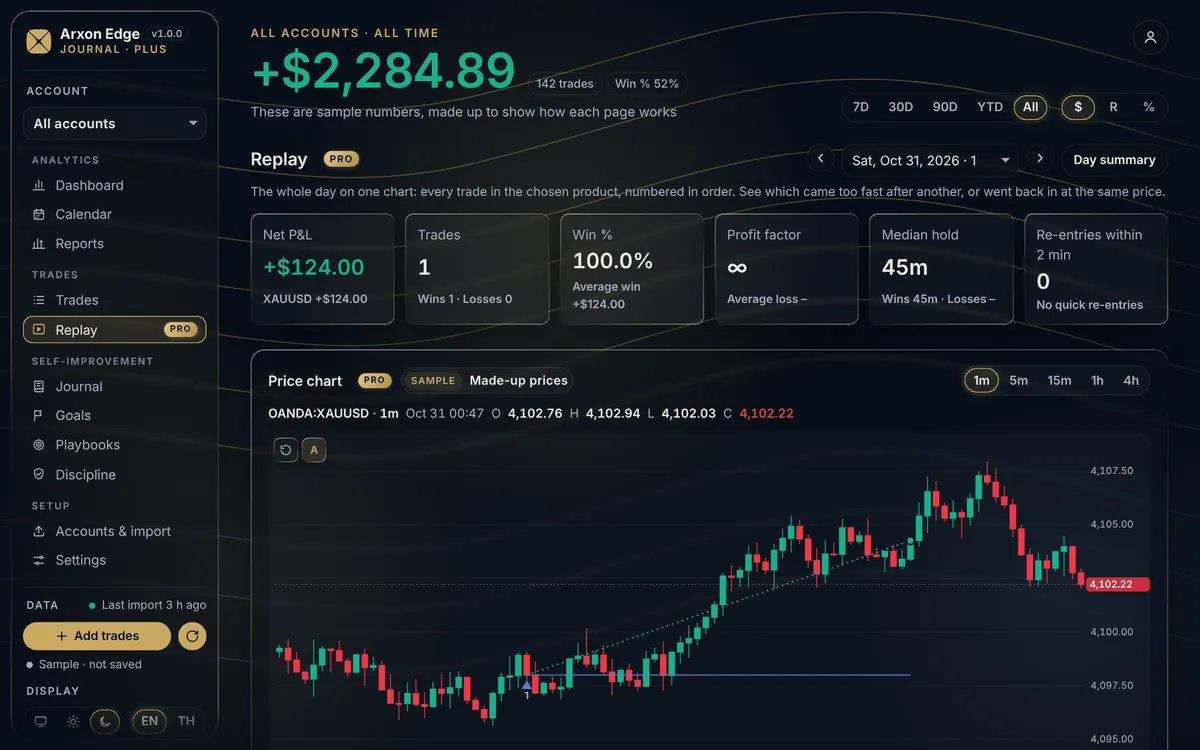
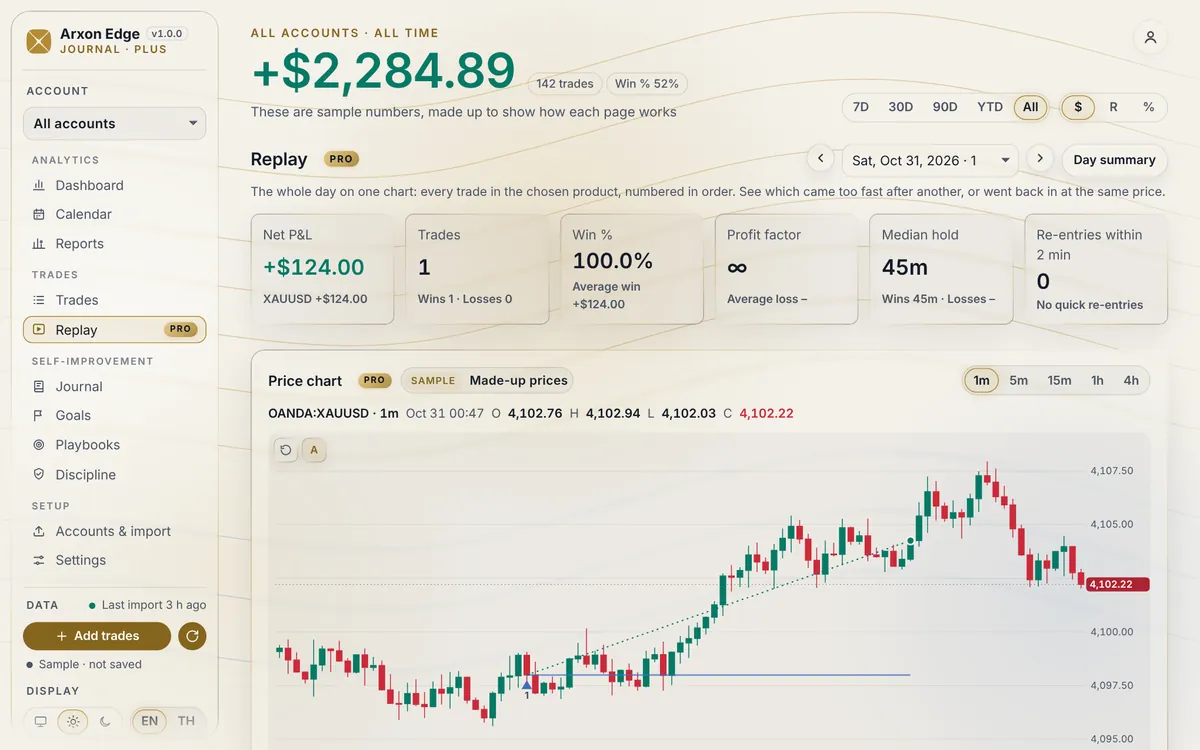
No broker password. Your report is read in your browser.
Everything in Plus, and the parts that need a live link to your account or price data.
Link your account once with the read-only investor password. New trades come in by themselves, updated within about 15 minutes, on every device.
Each trade on the chart of its symbol: entry, exit, stop and target where they were, so you can see what the market did around it.
The whole session on one chart, trade by trade, played as it went. See the re-entries, the chasing and the trades that came too fast.
Up to 10 trading accounts. The Ritual supporters link 2 accounts by auto-sync.
Your journal is kept in full on every plan. A plan changes what you can see and how many accounts you can add.
Included with Premium, or with The Tide monthly support (฿499 a month)
Premium members get 40% off. Included with The Ritual monthly support (฿989 a month), with 2 synced accounts.
| Free | Plus | Pro | |
|---|---|---|---|
| Trading accounts | 1 | Up to 5 | Up to 10 |
| History on screen | Last 3 months | All | All |
| Import MT5 reports, enter trades by hand | ✓ | ✓ | ✓ |
| Dashboard, calendar, reports, journal, goals, playbooks, discipline | ✓ | ✓ | ✓ |
| Tags, quick tags and notes | ✓ | ✓ | ✓ |
| Auto-sync with MT5 (read-only)PRO | — | — | 1 account (2 with The Ritual) |
| Price charts and day replayPRO | — | — | ✓ |
| How to get it | Sign up free | Premium, or The Tide ฿499 a month | ฿899 a month (Premium 40% off), or The Ritual ฿989 a month |
Pro opens soon. Until it does, The Ritual supporters have Pro’s account limit, and the Pro features arrive when Pro opens.
Your journal belongs to you.
Your journal is stored under your account in Google Firebase, in Google Cloud’s Singapore region. Only your signed-in account can read or change it.
The MT5 report is read in your browser; the file itself is not uploaded. What is saved is the trades in it and what you add.
Importing needs no broker login. Pro’s auto-sync will use your investor password, which can read your trades but cannot trade.
Download your data from your account page, or delete everything from the Journal’s settings. Deleting your Arxon Edge account deletes your journal too.
Yes. The free plan needs only an Arxon Edge account and has every page. Plus comes with Premium or The Tide support. Pro opens soon at ฿899 a month, 40% off for Premium members, and comes with The Ritual support.
MetaTrader 5 reports saved as HTML from the desktop terminal. You can also enter a trade by hand, for any platform.
They are kept, untouched. Free shows the last 3 months; Plus and Pro show your whole history, including what you imported before.
Your journal is readable only by your account. We look at it only if you ask us for help with it, or if the law requires it.
Yes. The Journal opens on a sample journal with made-up trades, so you can look around first. Nothing in the sample is saved.
No. The Journal shows figures worked out from the data you give it. It does not tell you what to trade. Check your results against your broker’s statements.
Arxon Edge Journal is a record-keeping and analysis tool, not investment advice. Trading involves risk of loss.